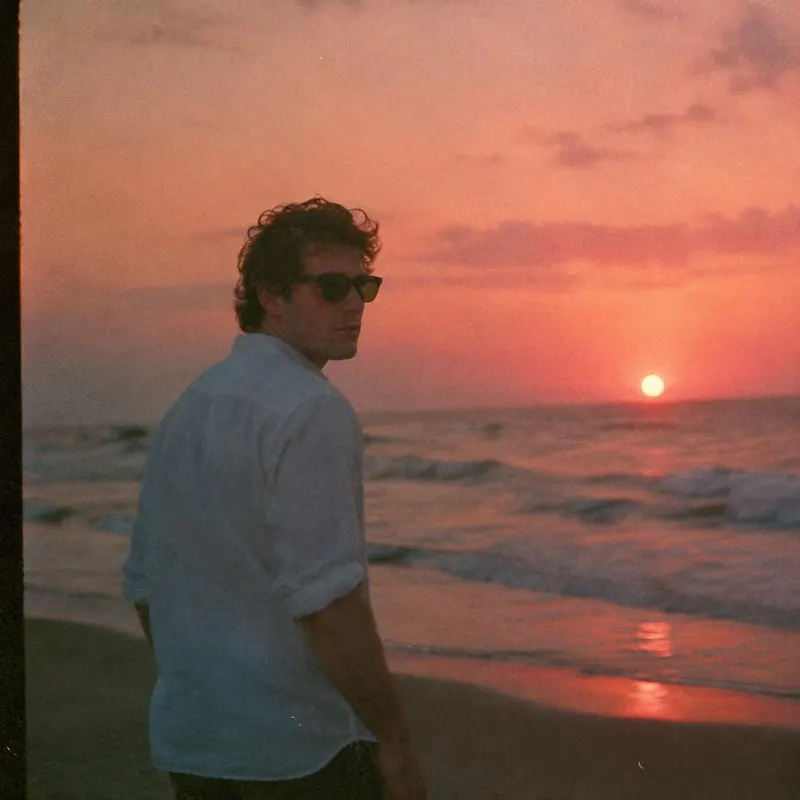
 Make it warmer
Warm sunset light on the city, keep my face the same
Edit Studio
Pick a photo, then say what to change — in your own words.
Keep talking
Every answer is a new version of the same photo. Ask for the next change, and go back to any version.
 Version 1
Got your photo. What should I change?
Select an area
Draw a loop around anything: a person, a sign, a sleeve. Only what you circle changes; the rest stays exactly as it was.
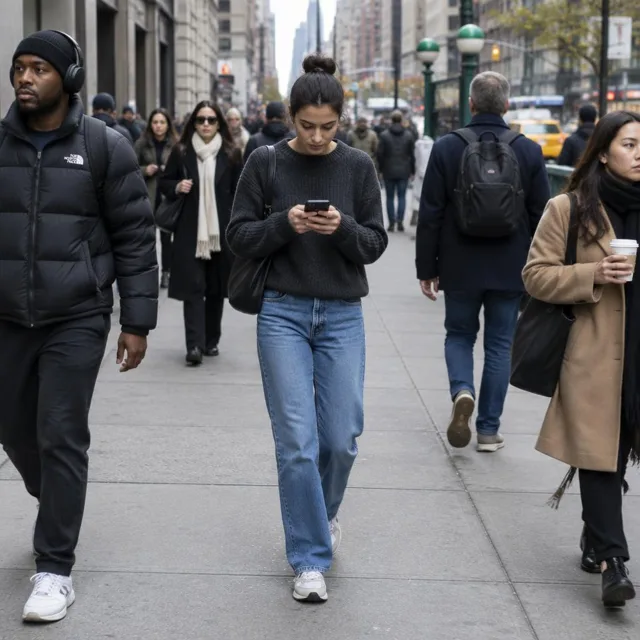
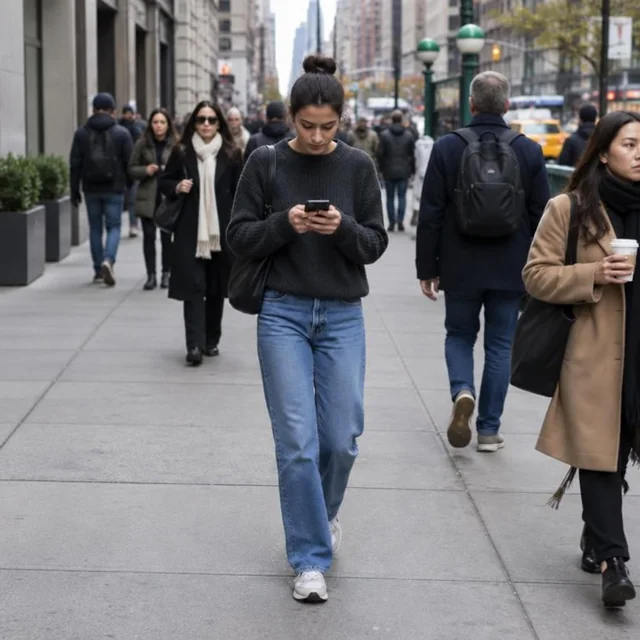 Original
Circle what to change
One person, one selection
Say what should happen
Remove the person on the left
Keep everything else
Same photo. Just one change.
What should change?
Only the selected area changes.
What people ask for
Clothes, hair, light, the background. Add someone, or take them out. Tap any sentence to start from it.
Tips
The editor does what you say. Four habits that get you there in one try.
Make it warmerWarm sunset light on the city, keep my face the same
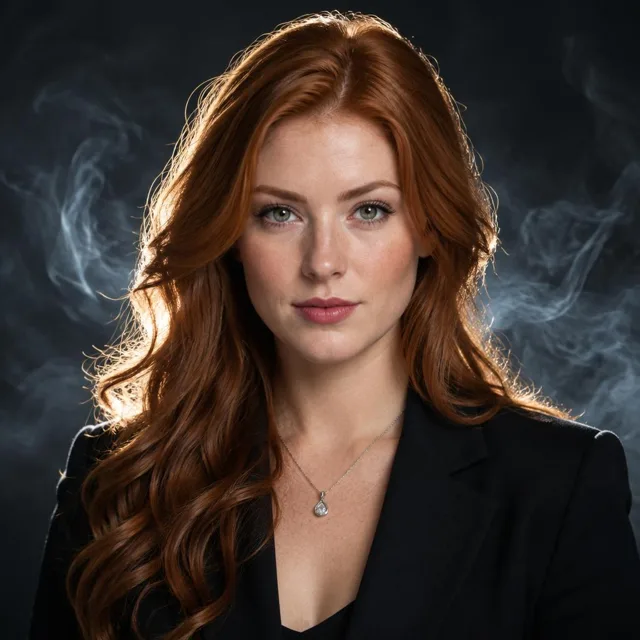 New outfit
Swap the top for a leather jacket
Remove themRemove the two people walking behind me
 Change my hair
Honey blonde, keep the length and my face